5 star experience
★★★★★Apr 30 · laurieelovee
Great app! Heuman makes managing schedules, tracking time, and staying organized so much easier. The layout is clean, simple, and very user-friendly, which makes a big difference when you're using it daily.
Everything runs smoothly, and it really helps streamline tasks without feeling overwhelming. Definitely a helpful tool—I highly recommend it!
Simple, Efficient and Reliable
★★★★★Apr 24 · RalphRu
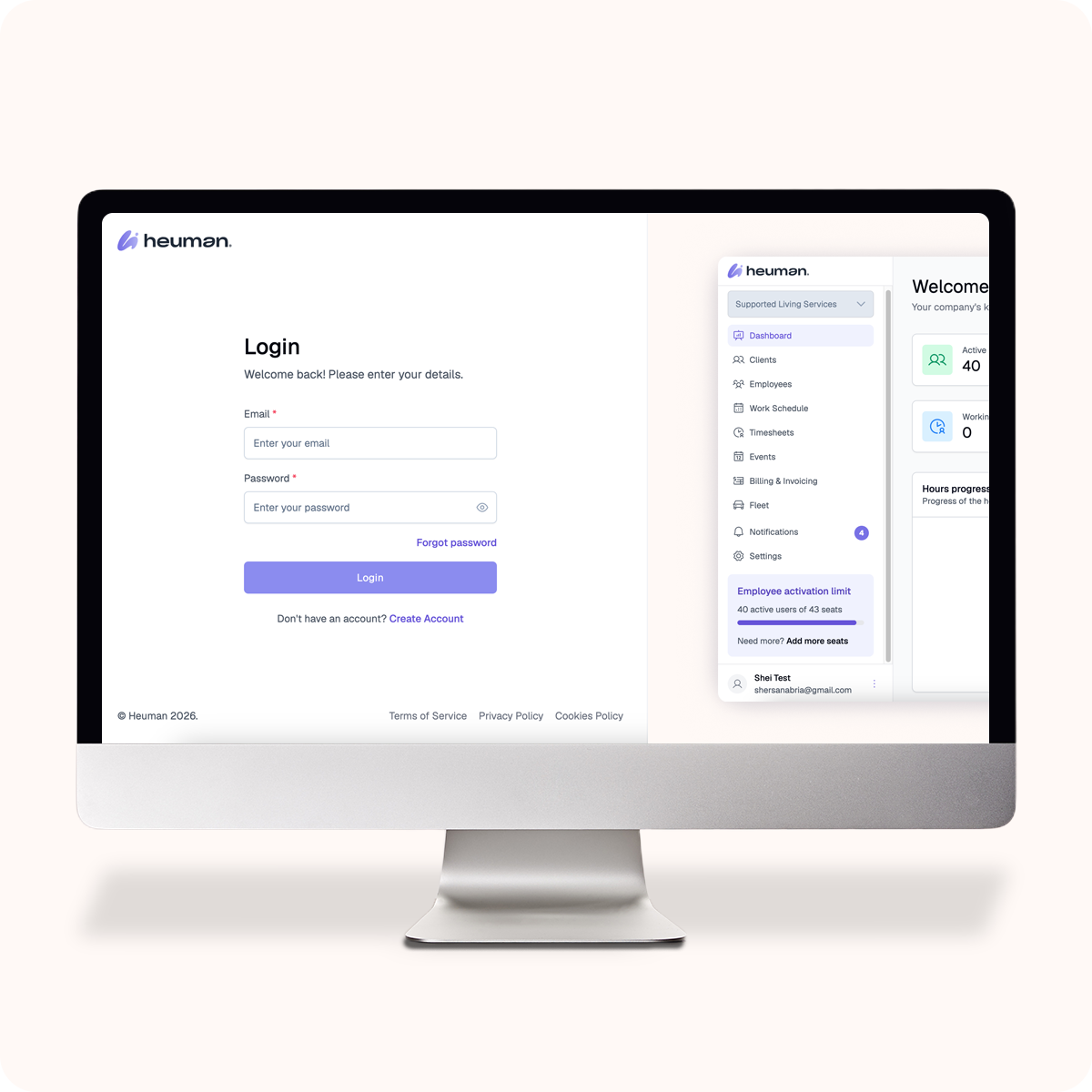
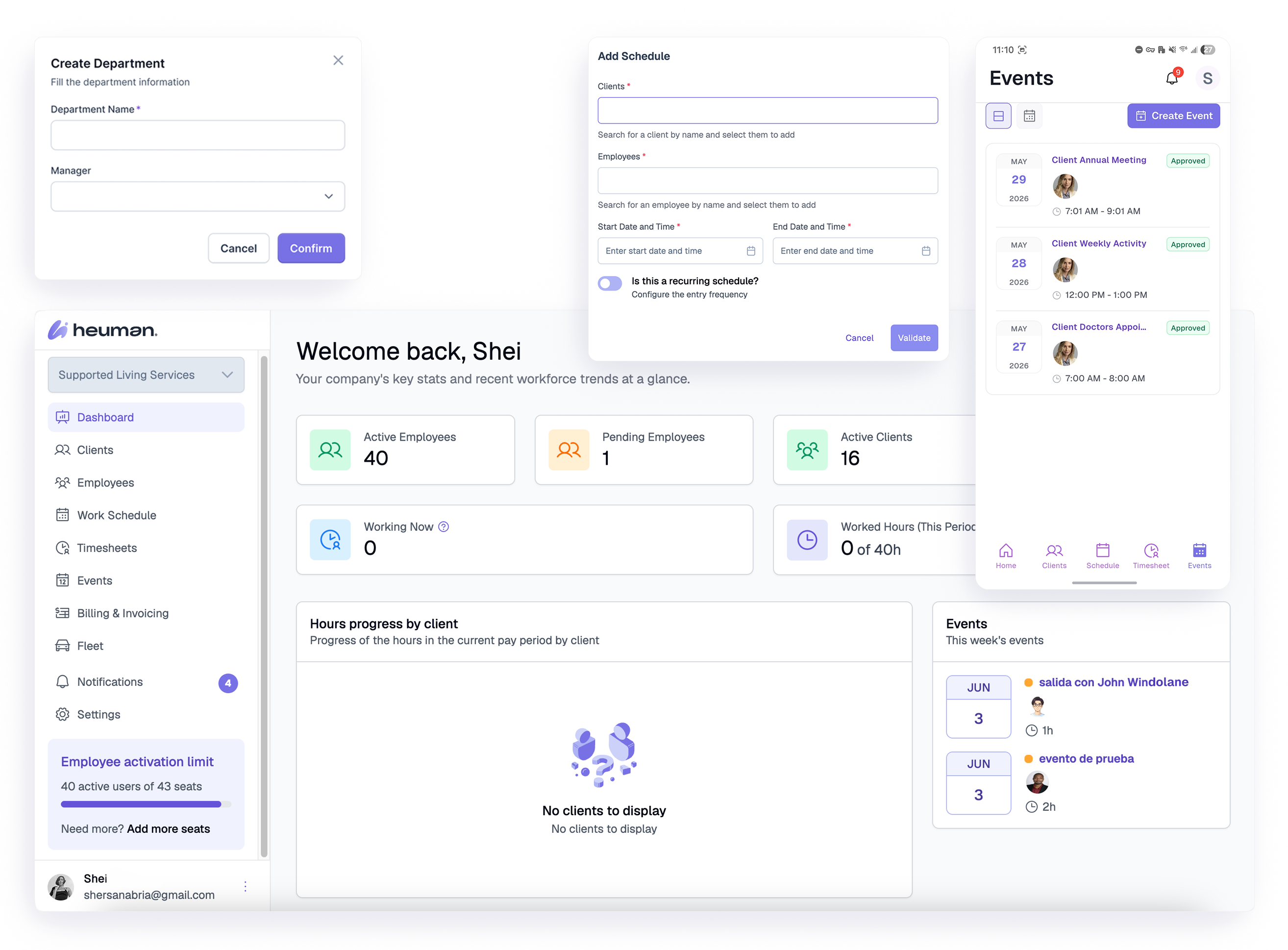
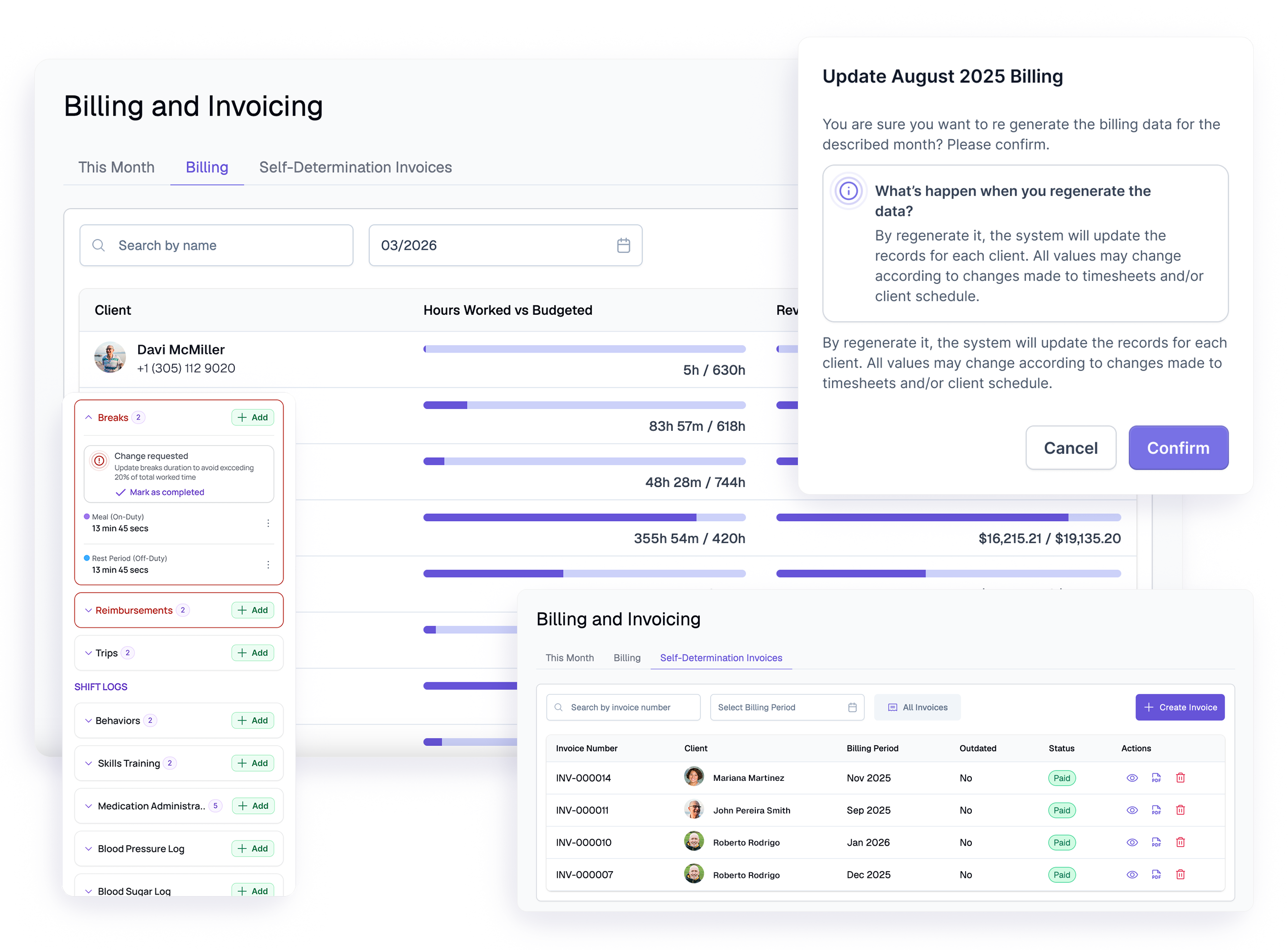
Heuman has made managing our daily operations much easier. It keeps schedules, documentation, and time tracking all in one place without being complicated. The real-time updates help our team stay organized and on the same page.
It's easy to use, even for staff who aren't very tech-savvy. Overall, it's a solid tool that we rely on every day.
Great!!!
★★★★★Apr 25 · NiuPa88
10/10! This app looks amazing—very clean, modern, and easy to understand. I love how everything is organized in one place, making it simple to manage schedules and documentation without confusion. It feels very professional and user-friendly. Definitely a great tool for staying organized and efficient. Highly recommended!
Great app for caregivers
★★★★★Apr 27 · JCMcare
This app is incredibly easy to use and has made coordinating care for my loved one so much simpler. Everything is well-organized, from scheduling to communication. I feel more connected and informed, even when I'm not there. Highly recommend it!
Helpful app
★★★★★Apr 25 · sososkksisisis
I've had a really positive experience using this caregiver app. It's incredibly easy to navigate, which makes a big difference when you're already dealing with the stress of coordinating care for a loved one. The features are well thought out—you can manage schedules, communicate with caregivers, and keep everything organized in one place.
What I appreciate most is the reliability and responsiveness. Updates are clear, and it helps me feel more connected and informed about my loved one's care, even when I can't be there in person. It's also reassuring to have everything documented and accessible at any time.
Overall, this app has made a challenging situation much more manageable. I would definitely recommend it to anyone looking for a simple, efficient way to coordinate caregiving.
A Reliable Tool That Simplifies Daily Workflow
★★★★★Apr 25 · Da.Escalante
I've tried a few different apps for managing care tasks, and this one easily ranks at the top. Instead of juggling multiple systems, everything you need is built into one place—whether it's logging notes, tracking hours, or staying on top of schedules.
What I appreciate most is how smooth and straightforward it feels to use. It doesn't take long to learn, and it actually helps cut down time spent on paperwork. The features are practical and clearly designed with real-world use in mind, which makes a big difference during busy days.
Overall, it's a dependable app that makes staying organized much easier and helps keep the focus where it belongs—on providing good care.
Great All-in-One App
★★★★★May 4 · El Salsero Suarez
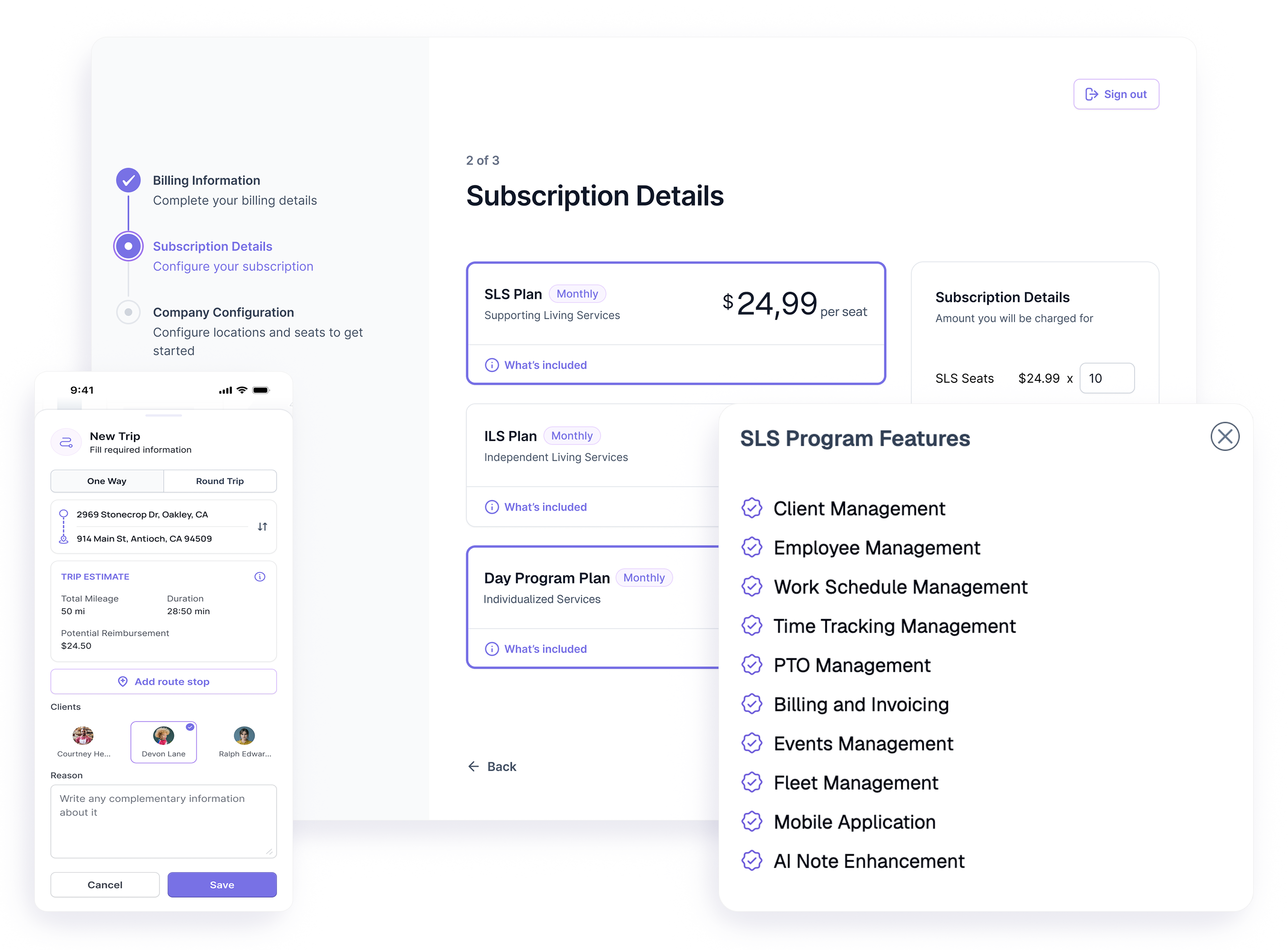
This app makes it easy to manage timekeeping, records, trips, and more, all in one place. It's simple to use and keeps everything organized. Definitely helpful for staying on top of daily work tasks.
Great app!!
★★★★★Apr 25 · Abel0016
I loved this app. It's very easy to use and most importantly it keeps everything in one place in a well-organized way.
Amazing
★★★★★Apr 24 · Fatcop527273
Super comprehensive and all inclusive app tailored to supported living services. If your looking for a tailored app for your business this is it 👍👍👍
Excellent app
★★★★★Apr 27 · Jerubiom87
Recommend to every Regional Center agency